
Why notiUrl Is Non-Negotiable
How to stop losing payment results to network failures. The difference between nextUrl/cancUrl and notiUrl — and the security model behind it.
"The payment went through, but there's no order record."
"The customer got a payment confirmation text — but there's no order in our database!"
This is a scenario that catches developers off guard. You check the PG admin console: the payment is approved. But your order database shows nothing. Nine times out of ten, the cause is the same: the customer's browser disconnected — or they closed the tab — on the redirect back to your site after payment.
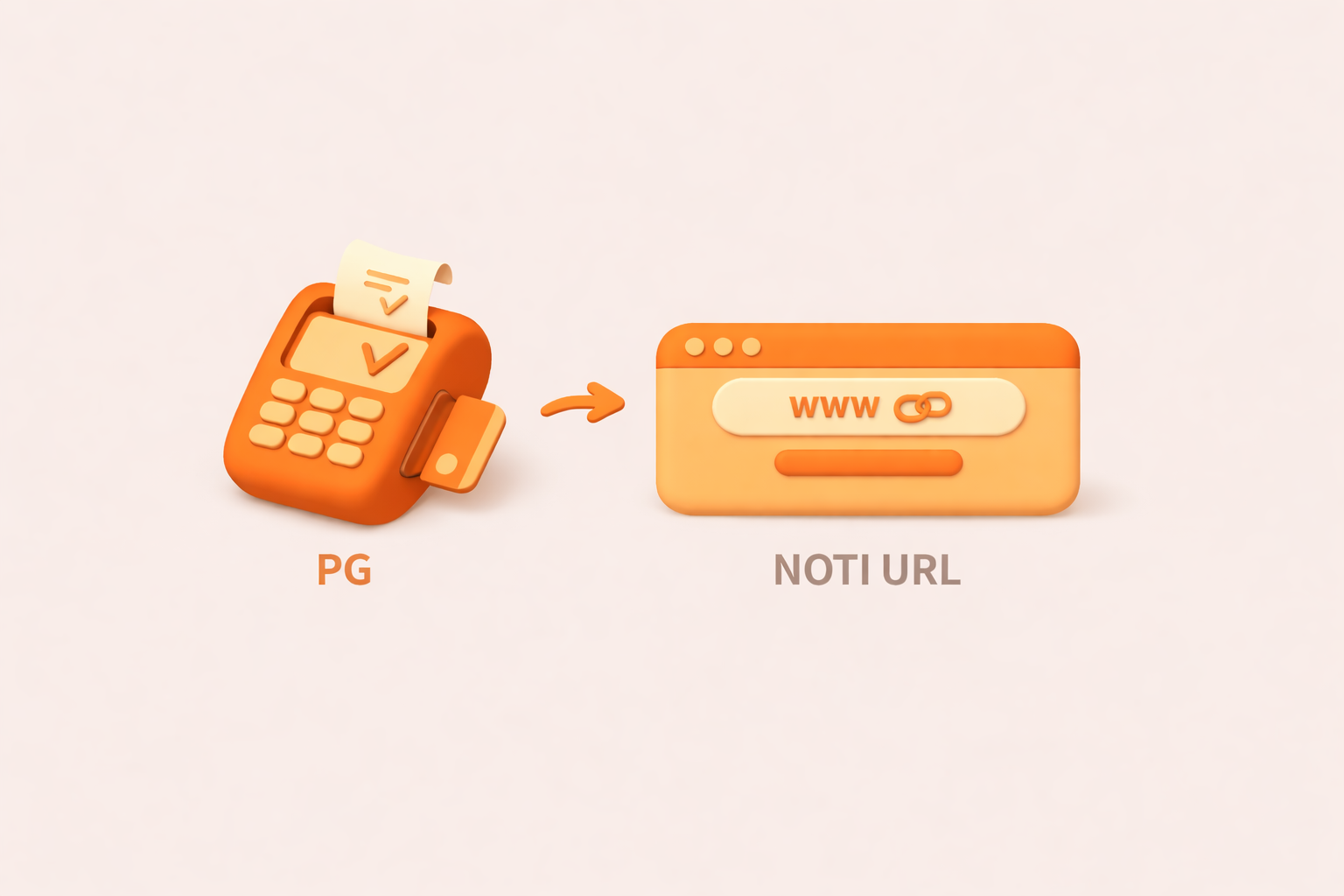
Passing payment results through a browser redirect means you're dependent on the customer's network connection. That's not a foundation you can build reliable order processing on. The solution is the webhook notification URL (notiUrl): a server-to-server channel that delivers payment results directly from the PG to your backend, bypassing the browser entirely.
What Is a Payment Notification (Noti)?
A payment notification is a server-to-server POST request sent by the PG's servers to your notiUrl the moment a payment is processed. It's your authoritative source of truth for payment outcomes.
The Weakness of Browser-Based Redirects
| Step | Flow |
|---|---|
| 1 | Customer completes payment in the PG checkout |
| 2 | PG processes the payment |
| 3 | PG redirects the customer's browser to nextUrl |
| 4 | Browser delivers the result to your server |
The problem: If the network drops between steps 3 and 4, the payment succeeded but your server never finds out.
How notiUrl Solves It
There are two delivery paths for payment results.
Redirect (unreliable)
notiUrl (reliable)
- Redirect (unreliable): Results flow through
nextUrlvia the customer's browser. Prone to network failures. - notiUrl (reliable): Results flow directly from the PG server to your server. Delivery is guaranteed regardless of browser state.
The PG fires the notiUrl notification the instant payment processing completes — before the browser redirect even happens — so your order logic is never blocked on the customer's connection.
nextUrl vs. notiUrl: Side by Side
| nextUrl / cancUrl | notiUrl | |
|---|---|---|
| Transport | Browser redirect | Server-to-server |
| Reliability | Low (network-dependent) | High (automatic retry) |
| Purpose | Show result UI to customer | Process order on server |
| Required | Yes | Yes |
| Security | Exposed to client | Server-only |
Practical Guidance
Implementing notiUrl: The Key Points
Your notiUrl endpoint handles POST requests from the PG. Two things matter above all else: hash verification and correct response format.
Implementation Checklist
| Item | Details |
|---|---|
| Hash verification | Validate pktHash to confirm the request hasn't been tampered with |
| Idempotency | Guard against duplicate processing for the same order |
| Response format | Respond with plain text OK or FAIL — nothing else |
| Status branching | outStatCd of 0021 = success; 0031 = failure |
Reference
Go to Payment Data Encryption guide →
Important
Retry Policy
If your notiUrl fails to respond — whether due to a server error or network timeout — the PG retries automatically.
- Retry trigger: Response is not
"OK", or the request times out - Retry schedule: 10 attempts at 1-minute intervals, then 10 more at 10-minute intervals (20 attempts total)
- Retry stops: When your server returns
"OK". Retries also stop at midnight, even if fewer than 20 attempts have been made
In other words, midnight cuts off retries regardless of how many attempts remain. The first 10 attempts at 1-minute intervals recover quickly from transient network errors, while the following 10 at 10-minute intervals cover longer outages such as a server restart.
This means that even during an outage, any missed notifications will be delivered automatically once your server recovers — as long as you're back online before midnight. If midnight passes, you'll need to use the PG admin console to re-send notifications manually, or reconcile the missing transactions through your settlement data.
The retry schedule can be adjusted
The Mental Model
Build your integration so it never depends on what the customer does after paying. Use nextUrl for the UI. Use notiUrl for everything that matters.
URL Role Summary
- nextUrl: Renders the payment success screen for the customer (UI only)
- cancUrl: Renders the payment cancelled screen for the customer (UI only)
- notiUrl: Receives authoritative payment results from the PG directly (order processing)
For integration questions, reach out to the technical support team at .

Need technical support?
Code Samples
HectoFinancial GitHub