
Webhook (Notification) Testing Guide
How to test payment webhook delivery using webhook.site and ngrok, plus a verification checklist
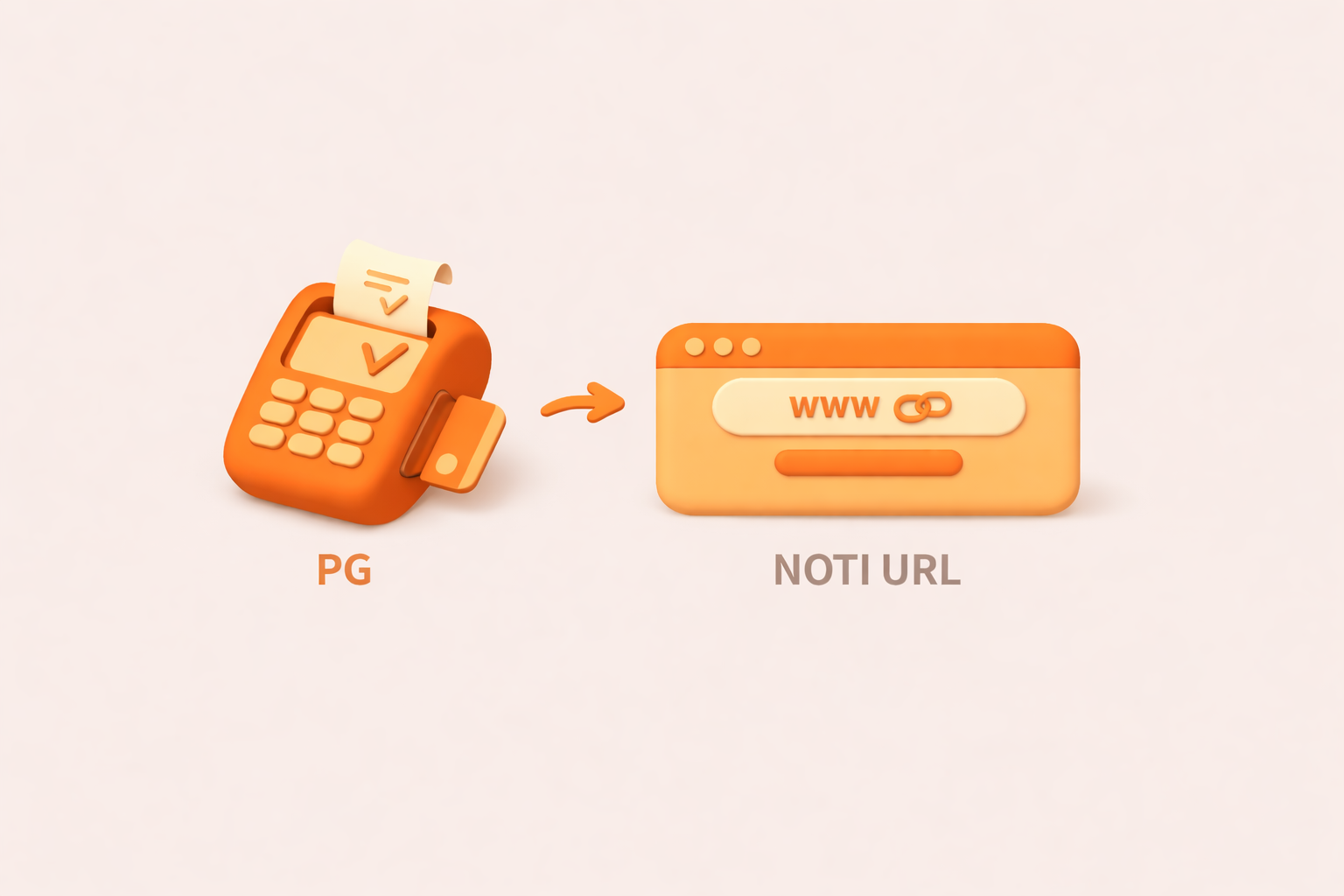
Why is webhook testing different?
A standard API test follows a request/response pattern: your server sends a request to the PG, and the PG responds. Webhooks (notifications) reverse that flow — the PG sends a request to your server — which changes how you test them.
To receive webhooks, your server needs an externally accessible URL. localhost isn't reachable from the outside, so local development environments require a bit of extra setup.
Setting up your test environment
Option 1: webhook.site (recommended)
webhook.site is a free service built exactly for this use case. No installation required — it's the fastest way to get started.
How to use it
- Go to webhook.site
- Copy the unique URL that's automatically generated (e.g.,
https://webhook.site/abc123...) - Set that URL as the
notiUrlparameter in your payment request - Run a test payment
- Watch the incoming webhook payload appear on the webhook.site page
Pros
- No installation, works immediately
- Displays full request headers and body
- Lets you customize the response (Edit button)
Cons
- Can't test real business logic
- Free tier URLs expire
Configuring the webhook.site response
Option 2: ngrok (local development)
ngrok creates a secure tunnel that exposes your local server to the internet. Use this when you need to test your actual business logic.
Installation
# macOS (Homebrew)
brew install ngrok

# Windows (Chocolatey)
choco install ngrok

# Or download directly from the official site
# https://ngrok.com/download
Usage
# 1. Start your local server (e.g., on port 3000)
npm run dev

# 2. In a new terminal, start ngrok
ngrok http 3000

# 3. Note the HTTPS forwarding URL
# Forwarding https://abc123.ngrok.io -> http://localhost:3000
Use the generated URL as your notiUrl:
https://abc123.ngrok.io/api/payment/noti
Pros
- Test your real business logic end-to-end
- Debug webhook handling in your local environment
Cons
- Requires installation
- Free tier assigns a new URL on each run
Option 3: Staging server
If you have a dev or staging server that's already publicly accessible, point notiUrl at your webhook endpoint there.
https://dev.example.com/api/payment/noti
Testing checklist
Verify all of the following before going to production.
Must verify
- Hash validation: Confirm
pktHashin the webhook matches the hash you compute server-side - Response format: Return exactly
OKas plain text — no whitespace, no newline - Status handling: Verify your branching logic on
outStatCdworks correctly - Idempotency: Receiving the same webhook multiple times must not cause duplicate side effects
Additional checks for virtual accounts
Virtual accounts generate multiple types of webhooks:
- Account issuance webhook (
outStatCd: 0051,bizType: A0): Handle when account is created - Deposit webhook (
outStatCd: 0021,bizType: B1): Handle when deposit is confirmed - Issuance cancellation webhook (
outStatCd: 0021,bizType: A2): Handle when issuance is cancelled
Virtual account note
Common issues
Not receiving webhooks
- Check notiUrl: Confirm the
notiUrlparameter is set correctly in your payment request - Check URL accessibility: Verify the URL is reachable from the public internet
- Check firewall rules: Make sure PG server IPs aren't blocked by your firewall
- Check HTTPS: Production environments may only deliver webhooks to HTTPS URLs
Webhooks keep being retried
- Check response format: Make sure nothing other than
OKis in the response body — no trailing spaces or newlines - Check response time: Return a response before the timeout (recommended: within 5 seconds)
- Check server logs: Look for exceptions being thrown during request processing
Hash validation fails
- Check field order: Verify the field concatenation order used to generate the hash is correct
- Check encoding: Confirm you're generating the hash with UTF-8 encoding
- Check hash key: Make sure you're using the hash key that corresponds to your environment (test vs. production)
Hash concatenation order
Reference
- Why is the webhook URL required? - The role of notiUrl and how to implement it
- Payment Data Encryption Guide - Hash generation principles and security guidance
For questions during integration, contact our technical support team at .

Need technical support?
Code Samples
HectoFinancial GitHub