
How Real-Time Firm Banking Transactions Flow
The end-to-end path from a corporate system to a bank account — how firm banking routes and settles funds.
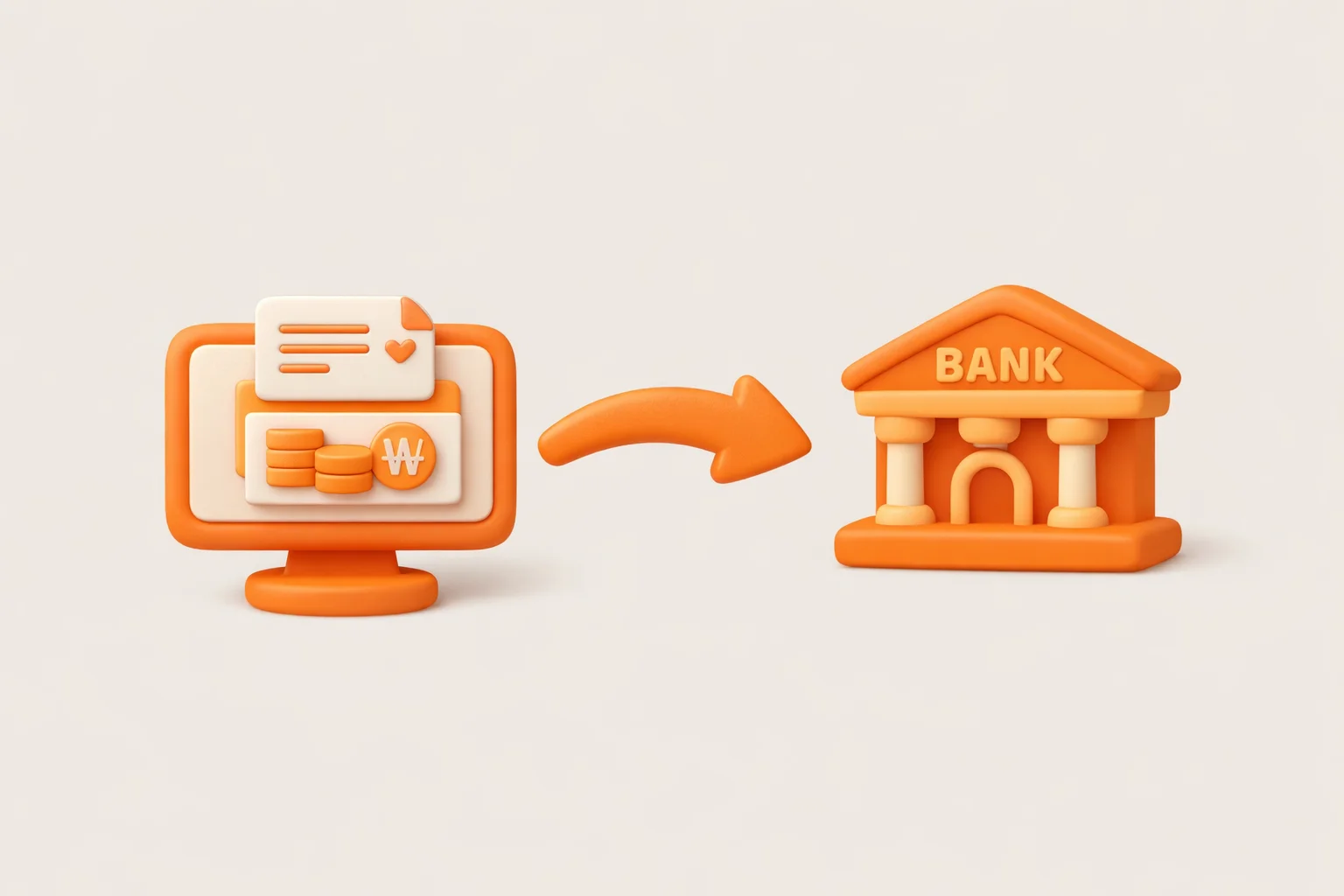
When you need to automate fund transfers between a corporate system and a bank account, firm banking is the standard approach.
It connects an ERP or treasury management system directly to the bank, enabling programmatic transaction processing without any manual intervention.
If you're new to financial systems development, a few questions tend to come up immediately:
- How does a transfer request actually reach the destination bank account?
- What systems sit in the middle?
- How does real-time processing work?
This post breaks down the real-time firm banking transaction flow from a structural perspective.
What Is Firm Banking?
Firm banking is a service that connects a company's internal systems directly to a bank, automating operations such as:
- Account inquiry
- Transaction history lookup
- Account transfer
- Bulk transfer
- Balance checks and transaction processing
The key benefit: employees don't need to log into internet banking. All financial transactions are executed directly from the ERP or treasury system.
Core Architecture
A firm banking transaction typically flows through this chain:
Here's what each layer does:
① Corporate System
This is the company's internal system — for example:
- ERP
- Treasury management system
- Internal accounting system
The corporate system generates a firm banking message packet and sends it to the bank.
② VAN / Financial Network
Between the corporate system and the bank sits a financial VAN (Value Added Network).
The VAN handles:
- Message routing
- Communication encryption
- Security processing
- Transaction routing
When a company needs to connect to multiple banks, the VAN provides a single integration point that manages all those connections.
③ Bank External Gateway
Inside the bank, the external gateway system receives the incoming request first.
Its responsibilities include:
- Accepting external connections
- Validating message packets
- Classifying transaction types
- Interfacing with core banking
This layer acts as the gateway for all inbound financial transactions.
④ Core Banking System
Core banking is where the actual financial transaction is executed:
- Checking account balances
- Processing transfers
- Recording transaction history
- Generating journal entries
Once core banking completes processing, the result is passed back through the external gateway to the originating corporate system.
Real-Time Transaction Flow
Walking through an actual bank transfer step by step:
- Corporate system generates a transfer request
- Firm banking message packet is created
- Packet is sent to the VAN or financial network
- Bank external gateway receives the packet
- Core banking system processes the transaction
- Processing result is generated
- Response packet is returned to the corporate system
The entire round-trip typically completes within a few seconds.
This is why real-time firm banking is a critical component of corporate treasury operations.
Why Firm Banking Still Uses Message-Based Communication
Unlike typical API systems, firm banking largely relies on message-based (packet-based) communication rather than REST APIs. The main reasons:
- Financial transaction reliability
- Fixed, predictable message format
- High-volume batch processing capability
- Adherence to financial network standards
While HTTP API-based approaches are growing, the financial industry still widely uses fixed-format message communication.
Note
What Matters Most in Production
1. Transaction Consistency
Failure handling and data consistency are critical for transfer transactions. Scenarios that must be handled correctly include:
- Duplicate transfers
- Interrupted transactions
- Communication errors
Transaction state must be accurately tracked in all of these situations.
2. Timeout Handling
Response delays and timeouts can occur during communication between the corporate system and the bank.
When this happens, you need to:
- Re-query transaction status
- Confirm the transaction outcome
- Decide whether to retry
Caution
Why You Need to Understand Message Packets
In financial IT development and operations, you'll regularly encounter situations like:
- Diagnosing a transaction failure
- Inspecting a malformed message
- Interpreting error codes
Understanding the message structure lets you pinpoint root causes quickly. In incident scenarios especially, tracing the transaction flow through message logs is often the fastest path to resolution.
Firm banking messages are the most fundamental communication primitive in financial systems.
The structure can feel unfamiliar at first, but once you understand the header section and body section, the full flow becomes clear.
The next post covers the firm banking message (packet) structure in detail.
Next: Understanding the Firm Banking Message Structure →

Need technical support?
Code Samples
HectoFinancial GitHub