
What Are Payment Request, Authentication, and Approval?
Why does a completed payment window still require a separate approval call? A step-by-step breakdown of request, authentication, and approval.
"The payment window said it was done — why do I still need to call an approval API?"
When integrating Bank Pay, you launch the payment window, the customer completes it successfully, and yet the transaction isn't finished. You still need to make an approval request.
So what's the difference between a payment request, authentication, and approval?
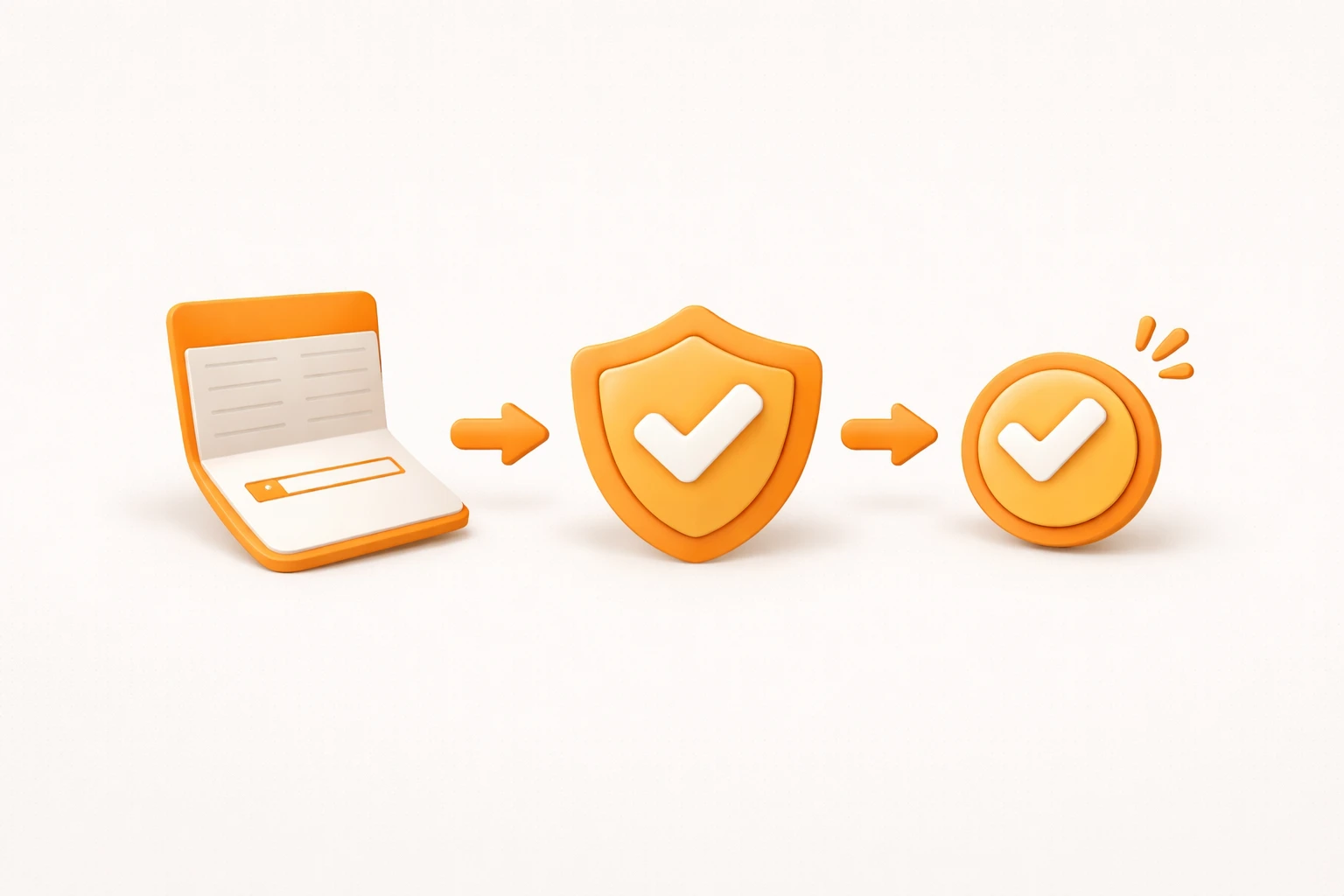
The full payment flow: request → authentication → approval
Let's walk through each step.
1. Payment Request
This is where the buyer initiates a purchase.
You pass product details, buyer information, and other required data to launch the payment window. The request step ends when the window is displayed and the customer clicks to proceed.
2. Payment Authentication
Authentication verifies that the person making the payment is who they claim to be.
The customer logs in with their mobile number and enters their PIN. This confirms that the transaction is valid and the payment should be allowed.
Authentication is complete once the customer has successfully entered both their phone number and PIN in the payment window.
After a successful PIN entry, the browser redirects to the callbackUrl you provided. The parameters needed for the approval step are delivered to that URL as a JSON payload.
A note for developers
3. Payment Approval
Approval is the final call your server makes to Bank Pay to confirm and settle the transaction.
Only a successful approval triggers the actual debit from the customer's account and signals that the merchant should fulfill the order. This is where the payment is truly complete.
For Bank Pay, you call the approval API using the JSON parameters received at your callbackUrl after authentication.
Because this call initiates the real fund transfer, a successful approval response means the payment is done. You can now send a confirmation to the customer and record the outcome on your end.
Why request and approval are separate
Some payment integrations combine request and approval into a single step. That sounds simpler, but it introduces a reliability problem.
When approval happens server-side without your control over timing, you must rely on webhooks (notifications) to learn the outcome. If the customer closes the window prematurely, or your server is under load and can't process the incoming webhook, the payment can land in an inconsistent state — settled on Bank Pay's end, failed on yours.
Even with webhook retries, if your server isn't available to receive them, you end up with mismatched data between Bank Pay and your system.
Bank Pay's two-step model eliminates this problem. After authentication, Bank Pay redirects to your callbackUrl with all the parameters needed for approval. Your server receives them directly and calls the approval API on its own schedule — no webhooks required, no race conditions.
| Approach | Advantages | Disadvantages |
|---|---|---|
| Separate request + approval (Bank Pay) | Data consistency guaranteed, no webhook needed | Requires approval API integration |
| Single-step processing | Simpler to implement | Webhook required, consistency harder to manage |
Bank Pay's payment flow is a clear three-step sequence: request → authentication → approval.
The separate approval step exists to guarantee data consistency between your system and Bank Pay. It adds a small amount of integration work upfront, but it removes an entire category of data-mismatch bugs from your production environment.
Bank Pay approval API documentation →

Need technical support?
Code Samples
HectoFinancial GitHub